You can access your organisations policies by logging into the Boost Dashboard
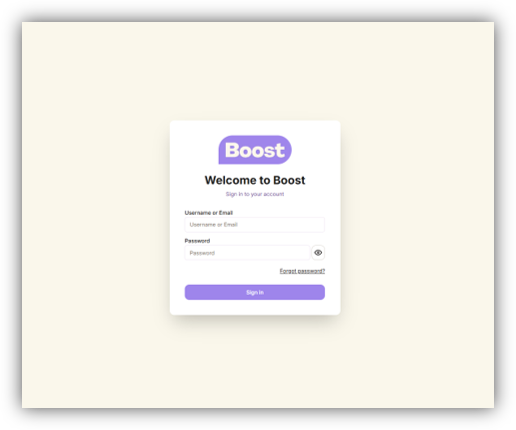
Step 1
Log into your Boost Dashboard https://dashboard.boostcare.org
Step 2
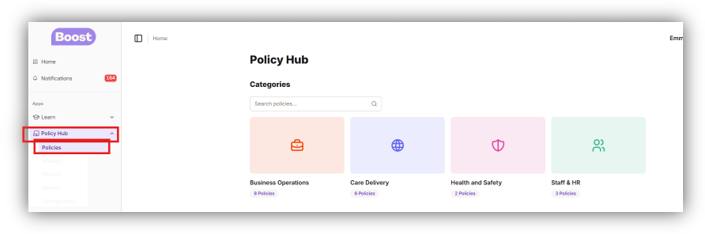
- Once in your dashboard, you will see the list of options to choose from on the left hand side.
- Click Policy Hub and then click Policies
- This will show you the Policy Hub Categories on the right hand side
- Click in each box to choose what area you would like to view
Step 3
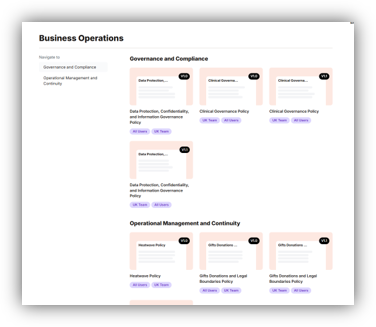
- Once you have clicked your selection, it will list all the policies in that area
- Click on a policies to read and accept it
Was this article helpful?
That’s Great!
Thank you for your feedback
Sorry! We couldn't be helpful
Thank you for your feedback
Feedback sent
We appreciate your effort and will try to fix the article