If you want to customise your profile page first log into your Boost Learn account.
Step 1
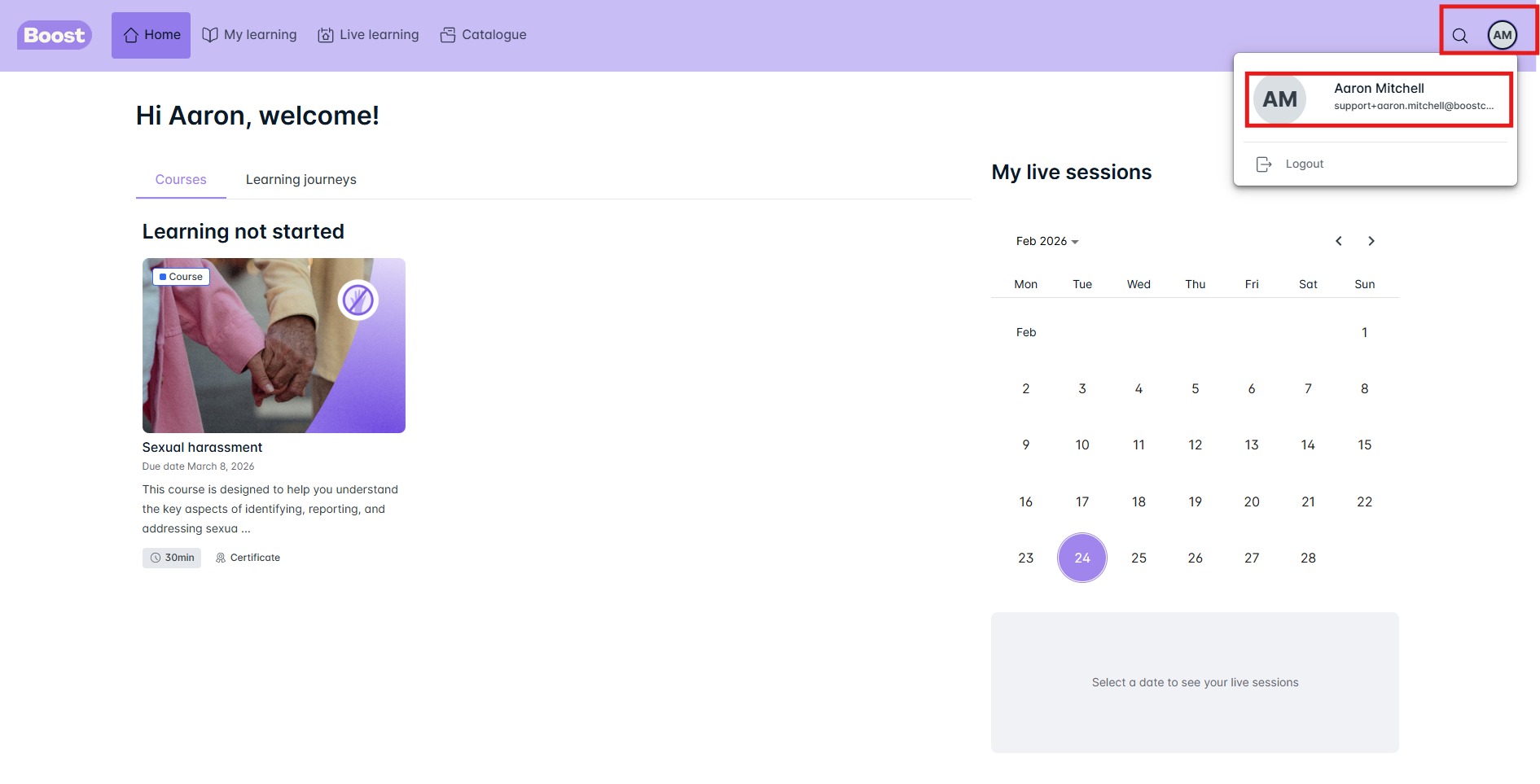
Click in the circle with your initials at the top of the right hand side - then click on your name/email
Step 2
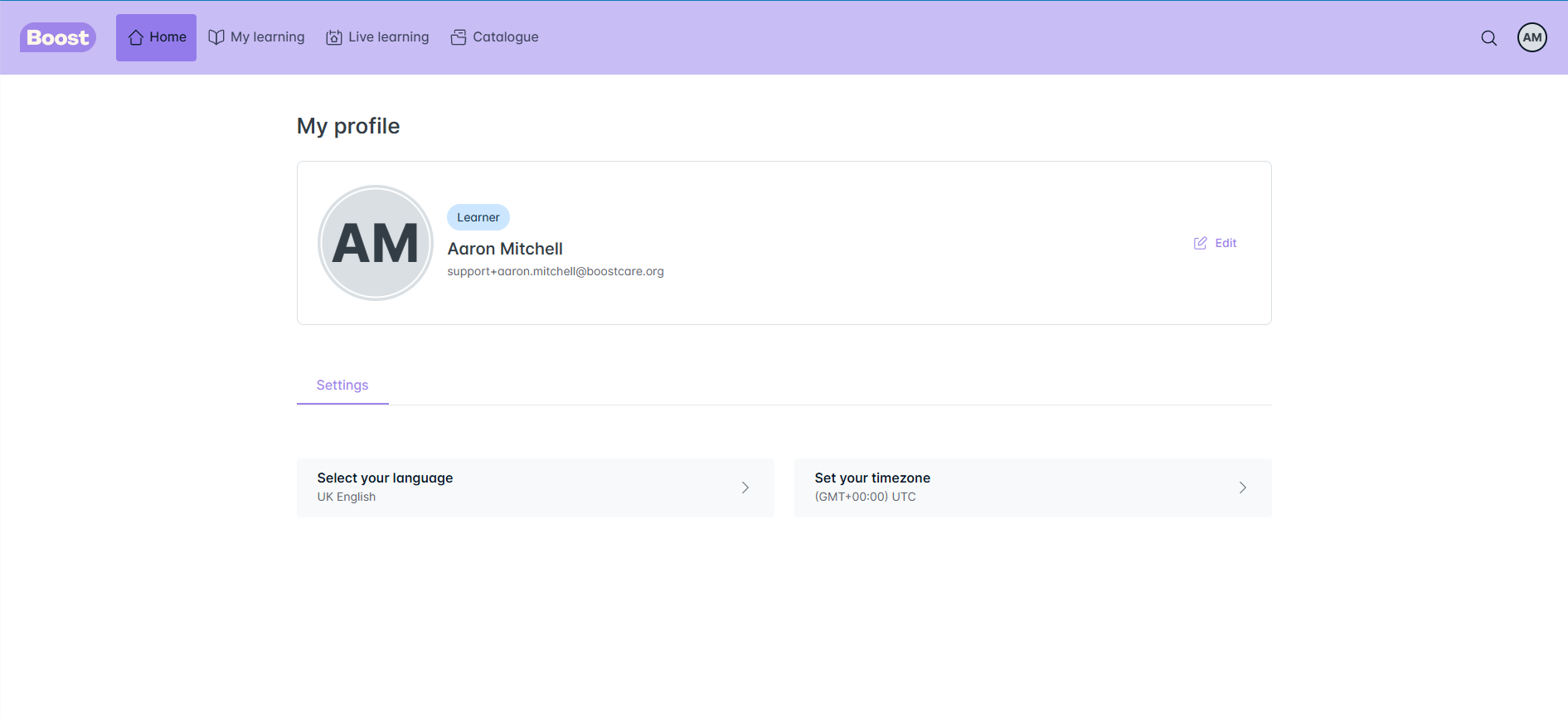
It will bring up the screen below where you can start to amend your details/change your settings
Step 3
If you click on the Edit button to the right of your name, it will bring up the screen below where you can upload your profile picture and change your name/surname
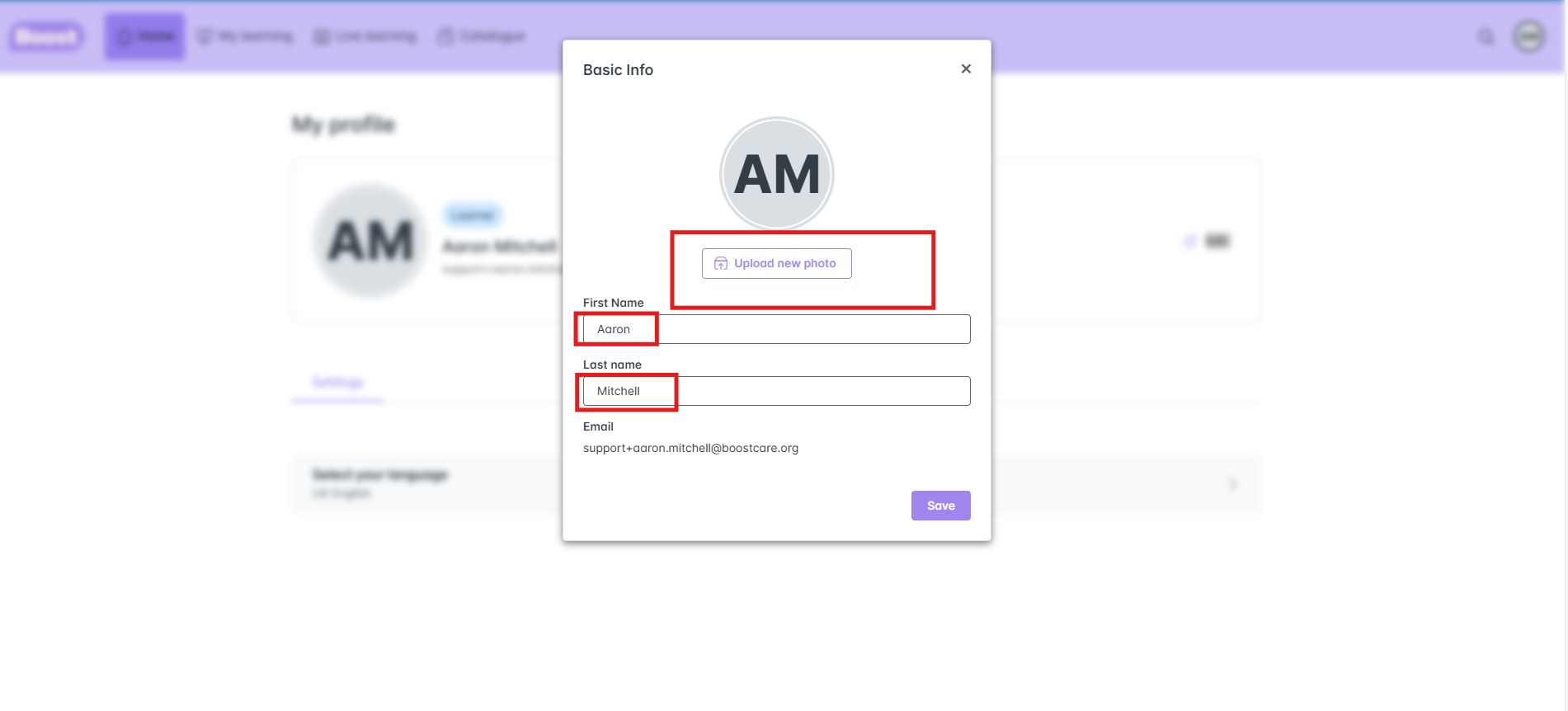
**NOTE: if you need to change your email, you will need to let your Manager know as this needs to be done in the Boost Dashboard
Step 4
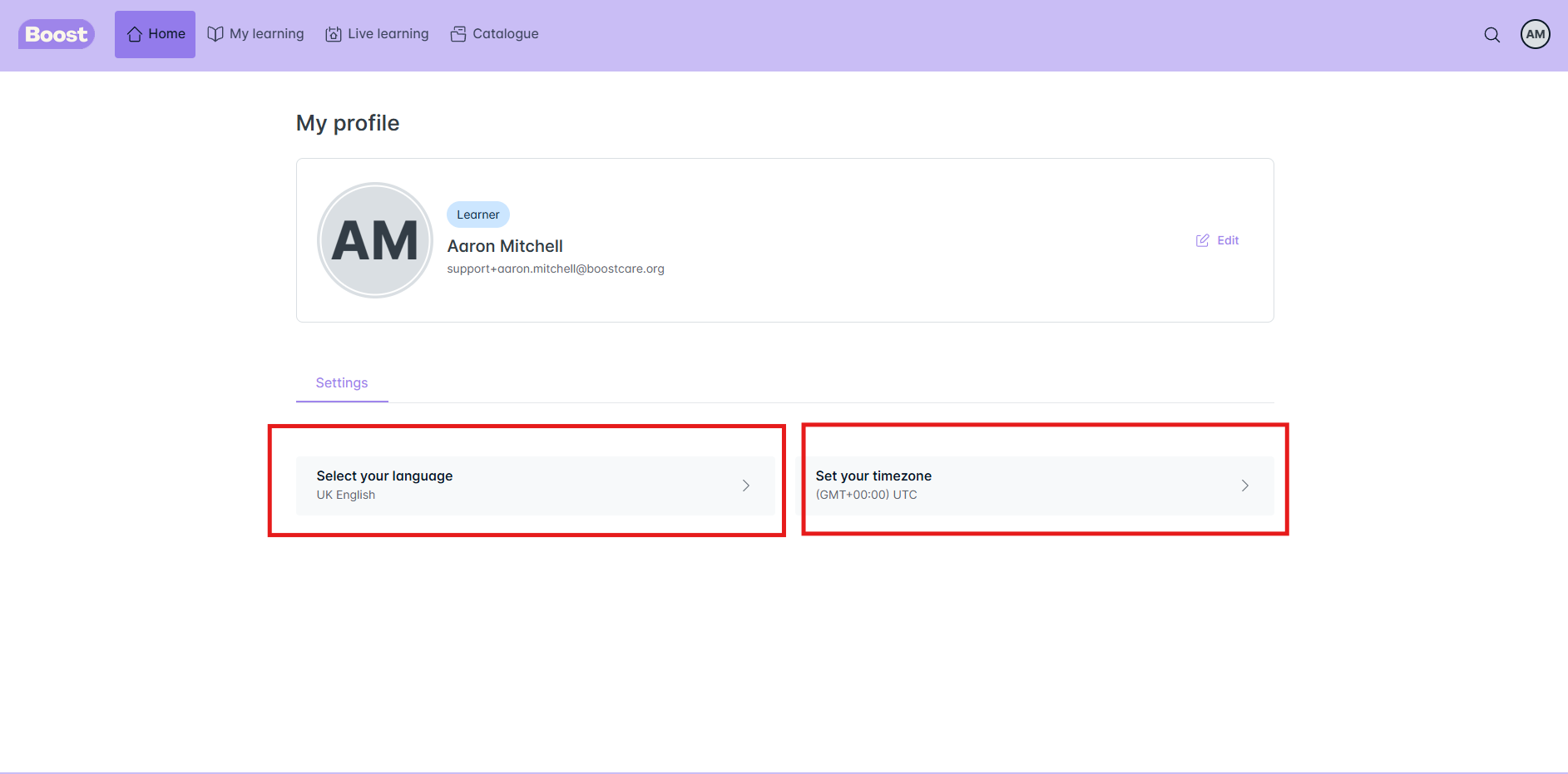
You can also change your language setting and set your time zone, although the time zone will be automatically set for you to (GMT+00:00) UTC
Was this article helpful?
That’s Great!
Thank you for your feedback
Sorry! We couldn't be helpful
Thank you for your feedback
Feedback sent
We appreciate your effort and will try to fix the article