Step 1
Go directly to: https://dashboard.boostcare.org/reset-password
OR
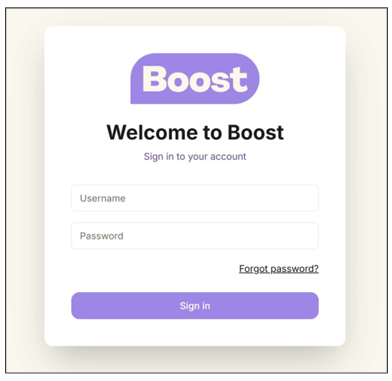
Go to your login page (https://dashboard.boostcare.org/auth) and select 'forgot password'. You will be taken to the reset your password page
Step 2
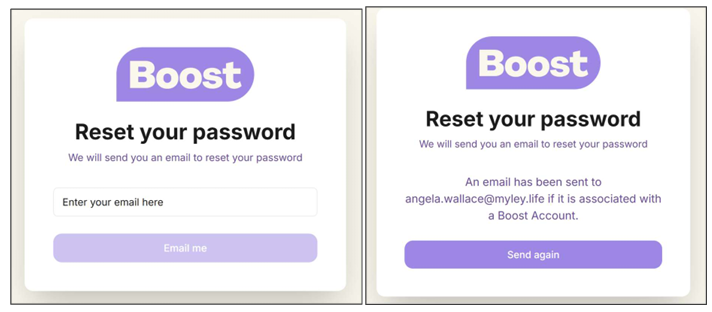
Enter your email address, it should let you know an email has been sent to reset your password
Step 3
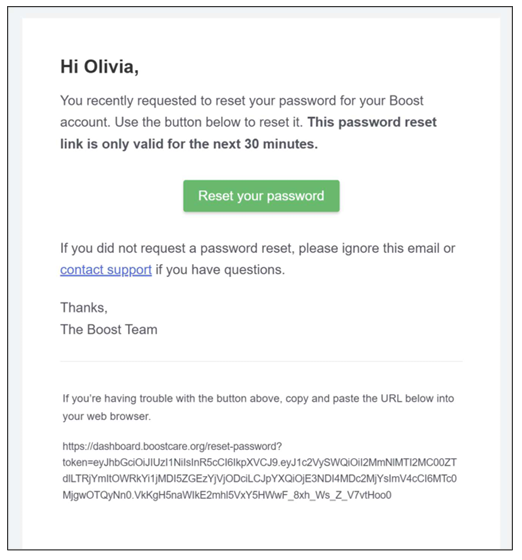
A reset password link will be sent to your email. (Please check your spam folder).
Step 4
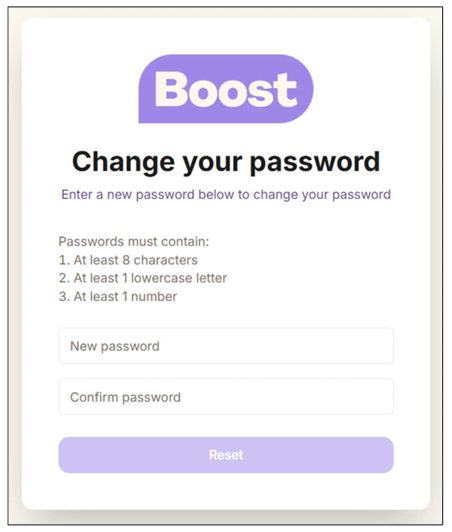
Select the ‘Reset your password’ link and type a new password. (Password must be at least 8 characters long, include 1 lowercase letter and 1 number)
Step 5
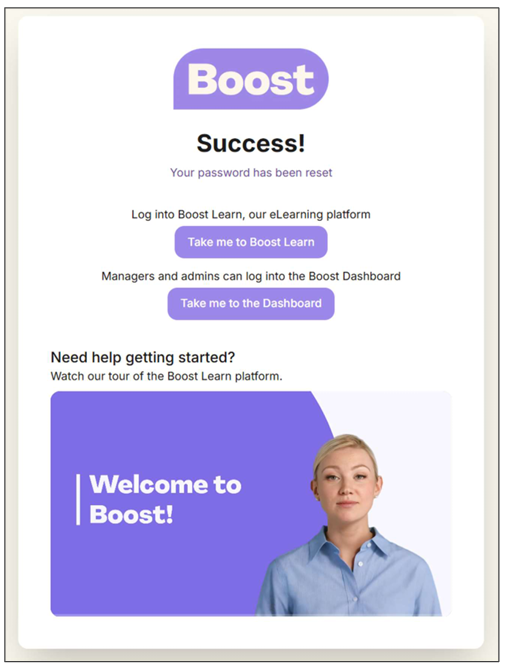
From the screen below, you can log into Boost Learn or the Boost Dashboard (for managers and admins) or watch a short video on how to use Boost Learn.
NOTE: Another way to reset your password is to ask your manager to reset it for you.
Was this article helpful?
That’s Great!
Thank you for your feedback
Sorry! We couldn't be helpful
Thank you for your feedback
Feedback sent
We appreciate your effort and will try to fix the article